
Managing dine-in tables is an important part of running a restaurant smoothly. With Websol Bawarchi POS, you can easily create and organize multiple dine-in tables, assign zones, and set seat capacity. This helps your staff manage orders faster and improves the overall dining experience.
This guide walks you through the simple steps to add a new dine-in table in the system.
Steps to Add a Dine-In Table
Step 1: Log In to Websol Bawarchi POS
-
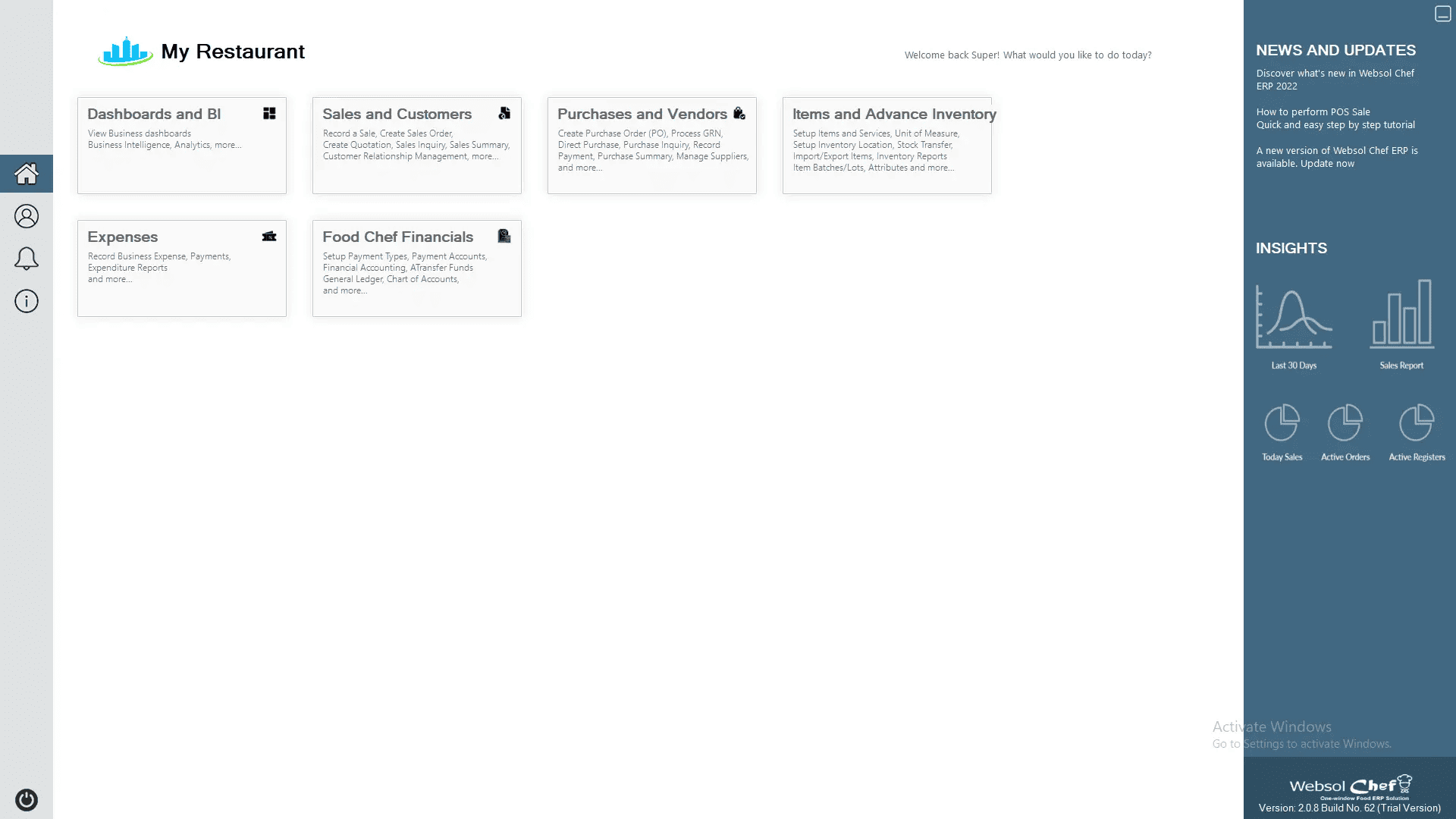
Enter your credentials and open the Main Back Office dashboard.
Step 2: Open the Sales & Customers Module
-
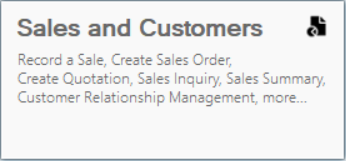
Click on “Sales & Customers” from the main menu.
Step 3: Open the Maintenance Tab
-
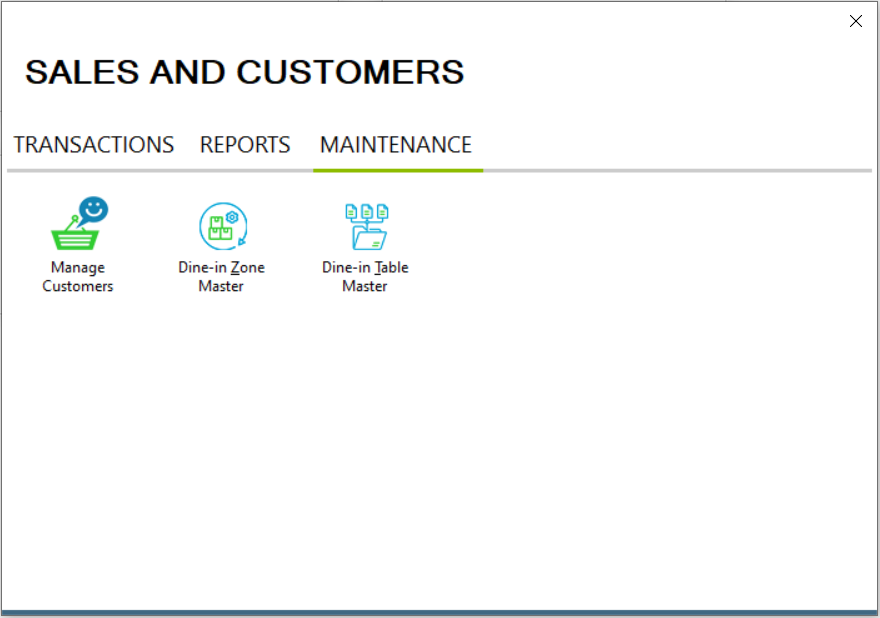
The Sales Management screen will appear with the Transactions section. On the top bar, click on “Maintenance.”
Step 4: Select Dine-In Table Master
-
On the Maintenance section, click “Dine-In Table Master.” The Table Master window will open.
Step 5: Enter Table Details
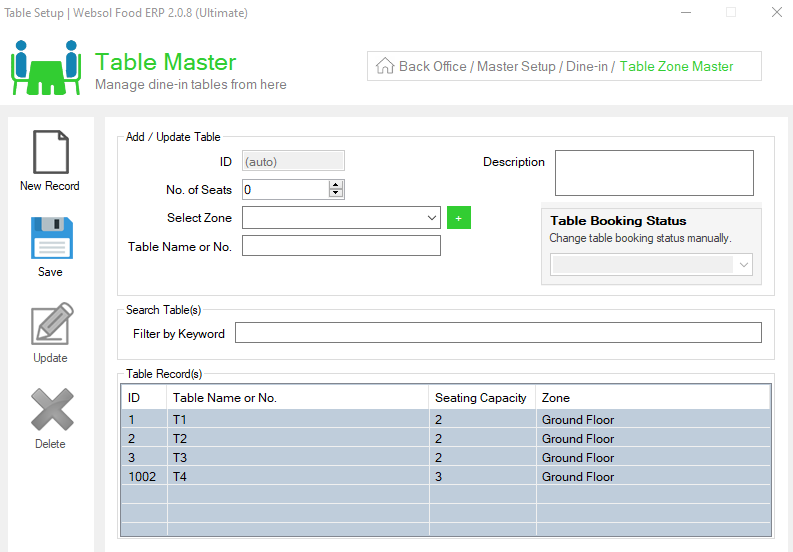
In the Add/Update Table panel, fill in:
-
No. of Seats: Enter how many people the table can accommodate.
-
Select Zone: Choose a zone (e.g., Hall, Rooftop, Family Area) from the dropdown.
-
Table Name or No.: Enter a table name or number such as Table 1, T-05, etc.
Step 6: Save the Table
-
Click on the “Save” button.
-
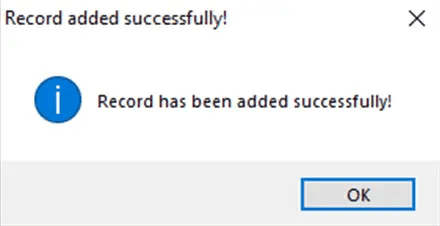
You will see a confirmation message: “Record has been added successfully.”
Step 7: Close the Window
-
Click the Close button on the top-right to exit the screen.
Click Here To Watch Video Tutorial
Pro Tip:
Name your tables in a consistent format (e.g., T-01, T-02, T-03). This helps waiters quickly identify tables on busy days and reduces confusion during peak hours.
Summary
Adding a dine-in table in Websol Bawarchi POS takes just a few clicks. Simply access the Sales & Customers module, open the Dine-In Table Master, enter table details, and save. With organized table management, you can streamline dine-in operations and improve service efficiency.
Keywords
-
Dine-In Table Setup
-
Bawarchi POS Dine-In
-
Create Table POS
-
Restaurant Table Management
-
Websol Bawarchi POS Guide
-
Add Tables In POS
-
Dine-In Zones
-
Table Master
CALL US NOW!
+92 311 052 0111 | +92 21 3722 1800
PRODUCT DETAILS
https://www.pointofsale.pk/products/bawarchi/
#websol #websoltechnologies #websolpos #bawarchipos #restaurantpos #restaurantsoftware #possoftware #cashregister #kitchendisplaysystems #billingapp #billingsoftware #fbrpos #srbpos #accountingsoftware #accountingsolutions
