
Many restaurants in Pakistan purchase stock on credit. With Websol Bawarchi POS, you can easily manage outstanding supplier bills and record partial or full payments directly from the software.
This guide will help you quickly process Payment to Supplier, ensuring accurate vendor balances and clean accounting.
Steps to Pay Due Amount to a Supplier
Step 1: Log In
Log in to your Websol Bawarchi POS Back Office.
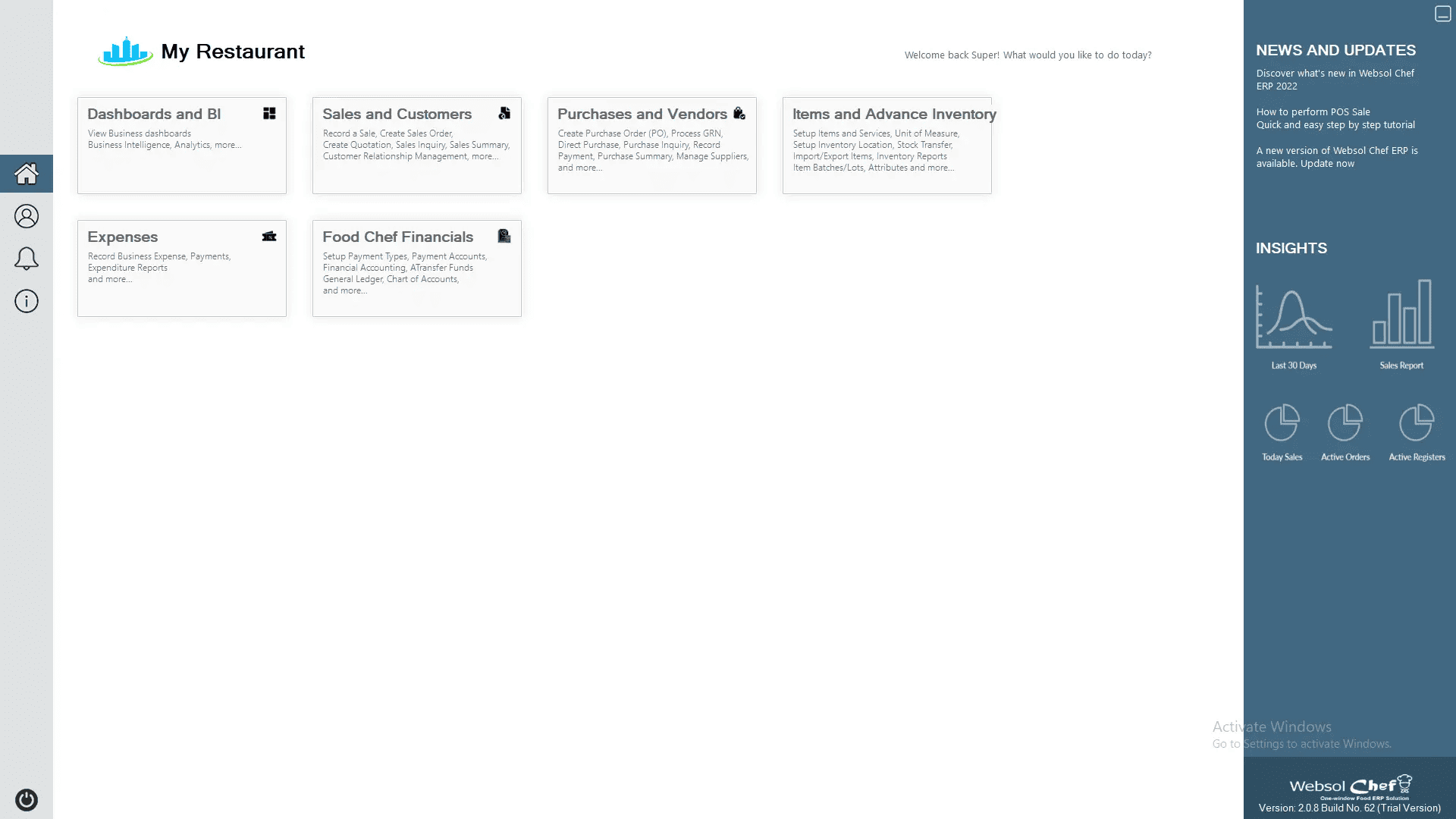
Step 2: Open Purchases & Vendors
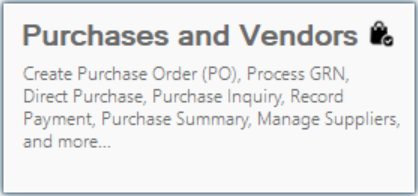
From the main menu, click “Purchases and Vendors.”
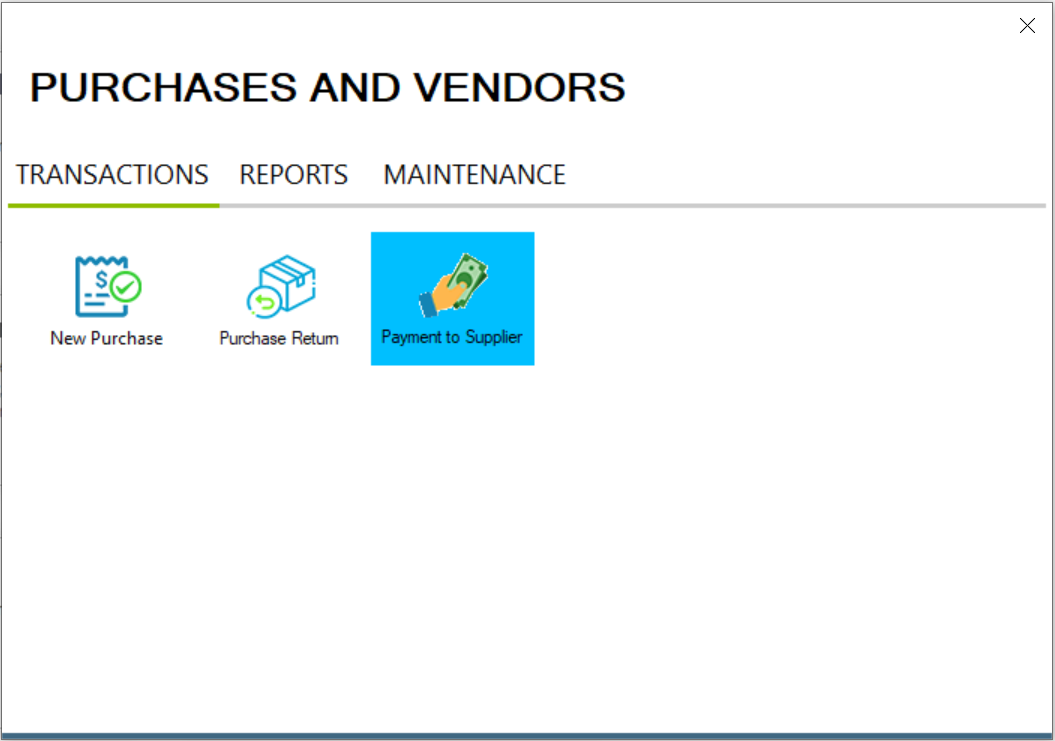
Step 3: Go to Payment to Supplier
In the Transactions section, click “Payment to Supplier.”
Step 4: Supplier Payment Process
Follow these steps to settle outstanding balances with your suppliers:
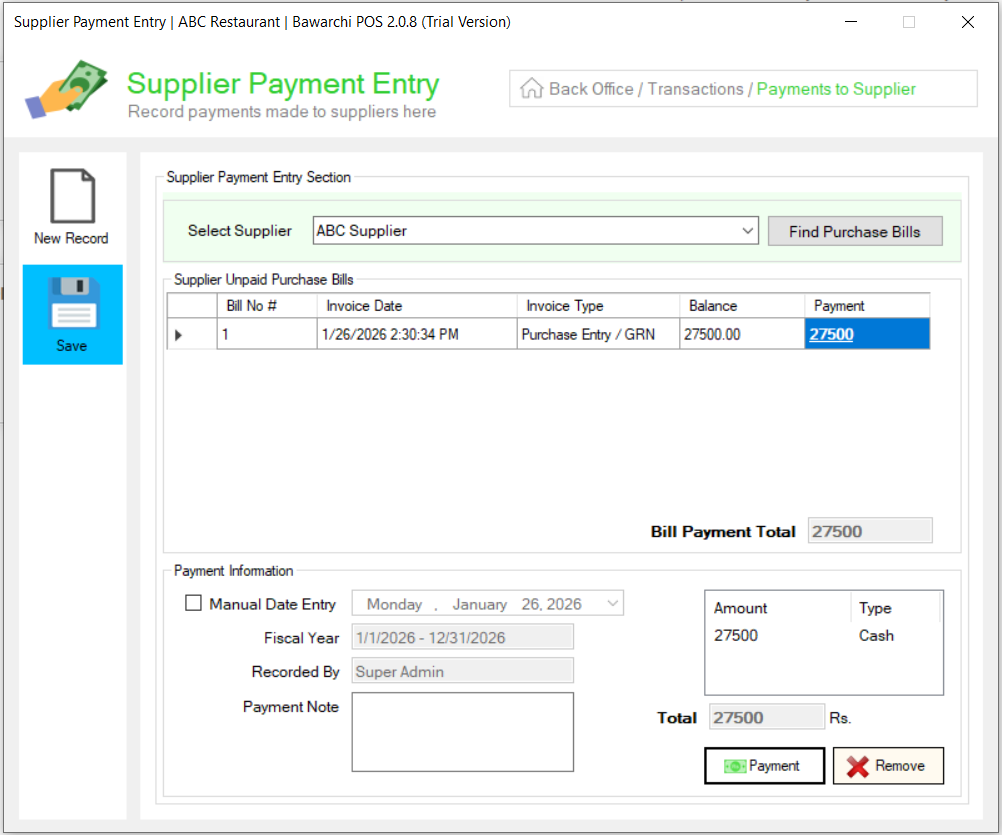
- Select Supplier: Choose the specific supplier you want to pay from the Select Supplier dropdown menu.
- Find Due Bills: Click the Find Purchase Bill button to load a complete list of all unpaid or outstanding invoices for that supplier.
- Allocate Amounts: Locate the bills you want to settle in the list. In the Payment field next to each specific bill, enter the amount you are paying (full or partial payment).
- Process Payment: After entering the amounts for each bill, click the Payment button at the bottom of the screen to process the total transaction.
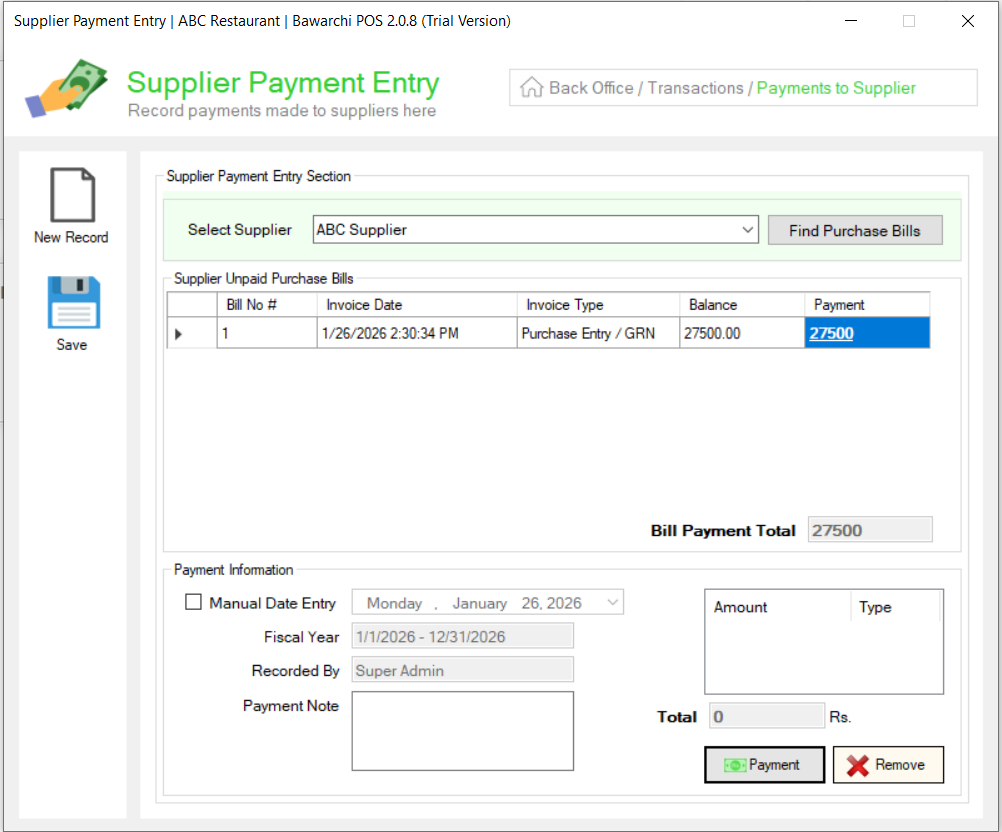
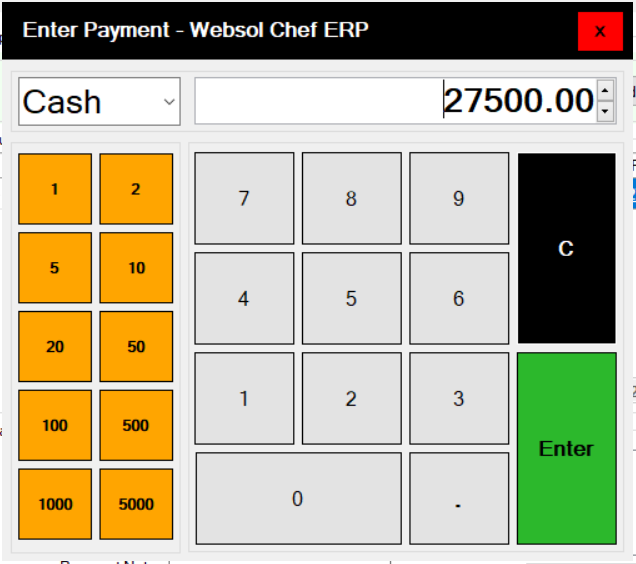
- Enter Payment: Finally, enter the total payment amount. Then select payment type (Cash, Card, Online, etc.) and press Enter.
Step 5: Save Transaction
Click Save on the left side.
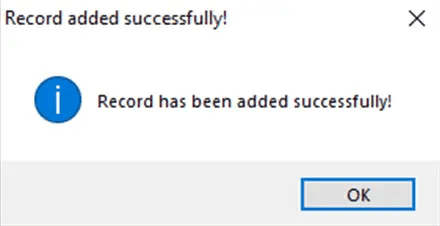
You will see a confirmation message:
“Record has been added successfully.”
Your supplier payment has now been recorded.
Click Here To Watch Video Tutorial
Pro Tip:
Always verify the supplier balance before making payments. This ensures you avoid overpayments and keeps your purchase ledger clean and accurate for audits and financial reporting.
Summary
Paying supplier dues in Websol Bawarchi POS is simple and efficient. Select your supplier, load pending bills, enter the payment amount, choose payment type, and save. This helps maintain accurate vendor balances and smooth purchase management.
Keywords
-
Bawarchi POS
-
Websol POS
-
Restaurant POS Pakistan
-
Supplier Payment
-
Vendor Due Payment
-
Purchase Management
-
Supplier Ledger
-
Pay Supplier Dues
-
POS Purchase Module
CALL US NOW!
+92 311 052 0111 | +92 21 3722 1800
PRODUCT DETAILS
https://www.pointofsale.pk/products/bawarchi/
#websol #websoltechnologies #websolpos #bawarchipos #restaurantpos #restaurantsoftware #possoftware #cashregister #kitchendisplaysystems #billingapp #billingsoftware #fbrpos #srbpos #accountingsoftware #accountingsolutions
